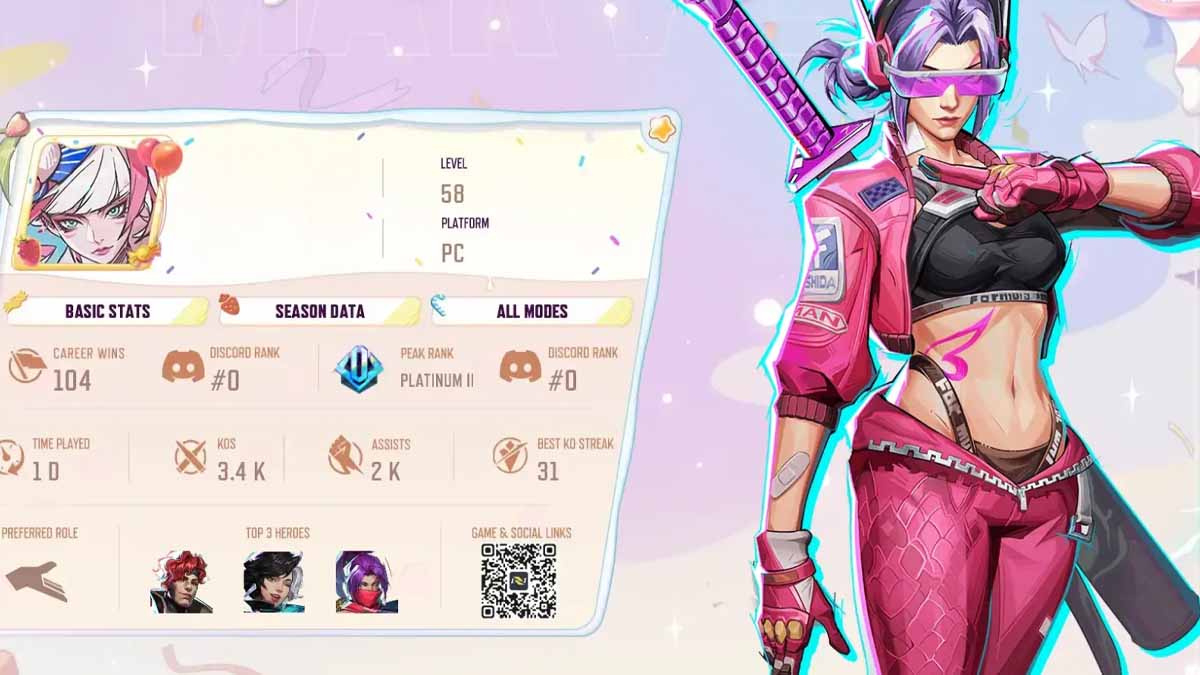
With Marvel Rivals Rewind, you can take a look at your stats for the past year and share them with the rest of the community. The hero shooter is currently having its first anniversary event. It was released on December 6, and once it turns one, you’ll be able to earn even more Units for free.
This guide will explain how to view and share your Marvel Rivals Rewind. Doing this, you will earn 200 Units, which you can then spend on cosmetic items or the new event.
Where to view and share Marvel Rivals Rewind?
The Rewind is a limited-time feature that gives you insights into your account and performance. It’s only available for a limited time, starting on December 6 at midnight UTC (December 5, 7 PM ET), and to view it, you need to go into the event tab.
To earn 200 Units for free, you will need to view your Marvel Rivals report and share it on social media. The easiest way to do this is to put the Rewind on your TikTok account and claim the free Units. After this, you can take the post down if you don’t want it to stay on your profile.
It’s important to note that you can also check your Marvel Rivals stats on the official Discord channel of the game. However, doing this will not grant you any rewards.
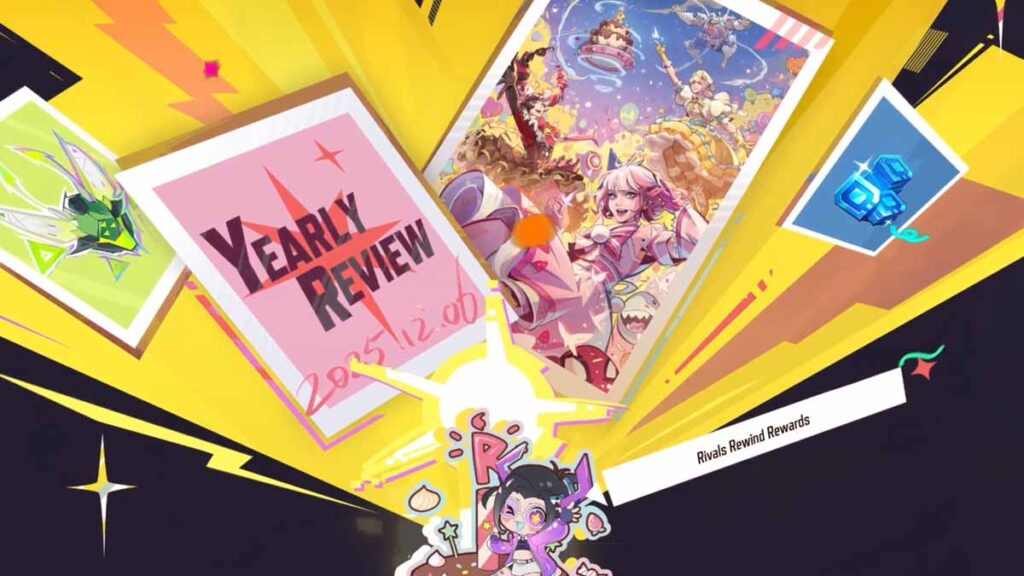
You will be able to unlock an additional 200 Units by joining the countdown at Times Square on December 6 at midnight UTC. If you can’t log in at that specific time, you’ll be able to claim free Units by entering the Times Square map within 72 hours after the countdown ends.
In addition to all of this, the Marvel Zombies PvE has been extended until January 16, 2026. This is likely a Marvel Rivals Season 6 release date, and we may already know both heroes that will come with it.
Don’t forget to check all the active Marvel Rivals codes to score a couple of free cosmetics. You also unlock 1500 limited-time Units and spend them on new cosmetics before they expire.