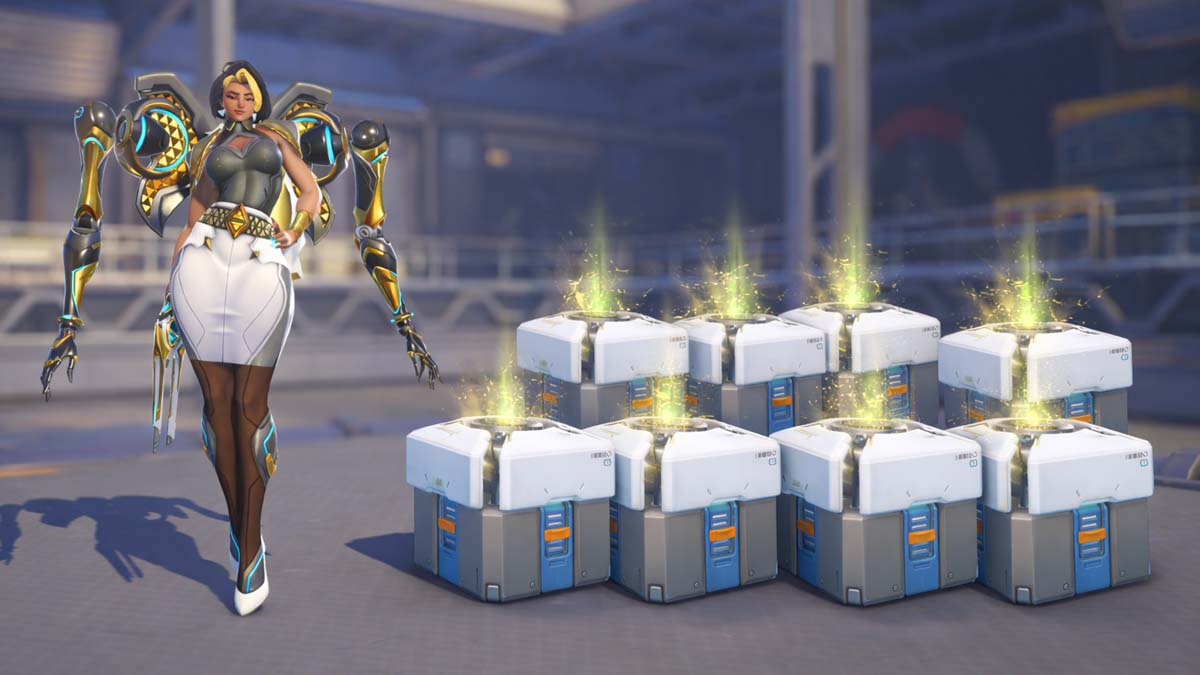
The latest round of Twitch Drops brings free Loot Boxes to Overwatch. If you are a new or returning player, these rewards are worth unlocking, as they contain valuable cosmetic items. During the first month of Overwatch Season 1, you can unlock 10 Loot Boxes for free, including two Legendary ones.
In this guide, we will explain how to get Twitch Drops in Overwatch. The process is simple, although it requires watching streams to earn all the rewards.
How to get Twitch Drops in Overwatch?
Before you can unlock Twitch Drops in Overwatch, you will need to link your Twitch and Battle.net accounts. You can do this in your Battle.net account settings. To connect accounts, follow these steps:
- Log in to your Battle.net account
- Select your profile in the top right corner and go to Account Settings
- Select Connections in the Main Menu
- Scroll down until you find Twitch
- Press the Connect button and authorize the connection
Once your accounts are linked, you’ll be eligible to earn and claim Twitch Drops in Overwatch. In Season 1, you can unlock eight Common and two Legendary Loot Boxes.
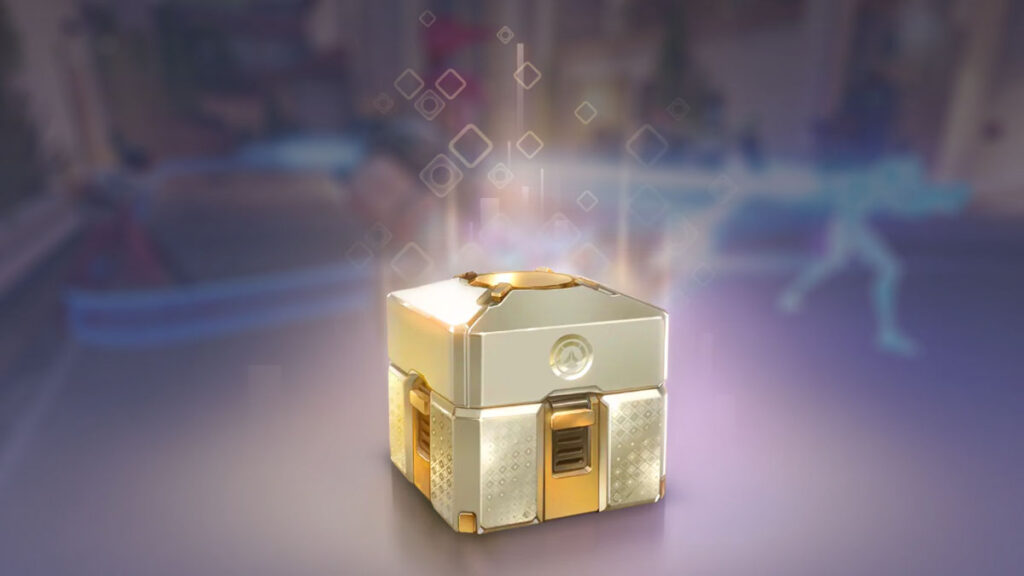
To unlock free Overwatch Loot Boxes, you need to watch channels that have Drops enabled. You can either browse Twitch or use the official Drops page to see all Overwatch streamers with Drops enabled. Once you find the streamer you like to watch, you will unlock the first reward after 30 minutes of watch time.
Here are all the rewards and their watch time requirements:
| Total Watch Time | Reward |
|---|---|
| 30 minutes | Common Loot Box |
| 1–7 hours | Common Loot Box (drops every hour) |
| 10 hours | Legendary Loot Box |
| 13 hours | Legendary Loot Box |
As you unlock rewards, you will need to claim them from your Twitch account. After claiming them, you will receive Loot Boxes in the game.
You don’t have to actively watch streams for 13 hours to get all the Twitch Drops in Overwatch. You can simply minimize the app or keep streams running in the background, and you will still receive the progress. The campaign ends on March 9 at 7:59 AM GMT, giving you plenty of time to unlock every reward.
Before you hop into your next match, check out the best Overwatch settings to boost your FPS and performance. You may also want to check the Overwatch player count and how it skyrocketed since the release of Season 1.
What is a Legendary Loot Box in Overwatch?
The Legendary Loot Box is the most valuable loot box in Overwatch, as it guarantees at least one Legendary (gold) item.
How do I connect my Twitch and Battle.net accounts?
To connect your Twitch and Battle.net accounts, go to Battle.net, open Account Settings, then Connections. From here, you will be able to link your Twitch account.
How do I claim Twitch Drops in Overwatch?
Go to Twitch → Drops & Rewards → Inventory, then click Claim on each reward. Once you do this, your loot boxes will be available in the game.