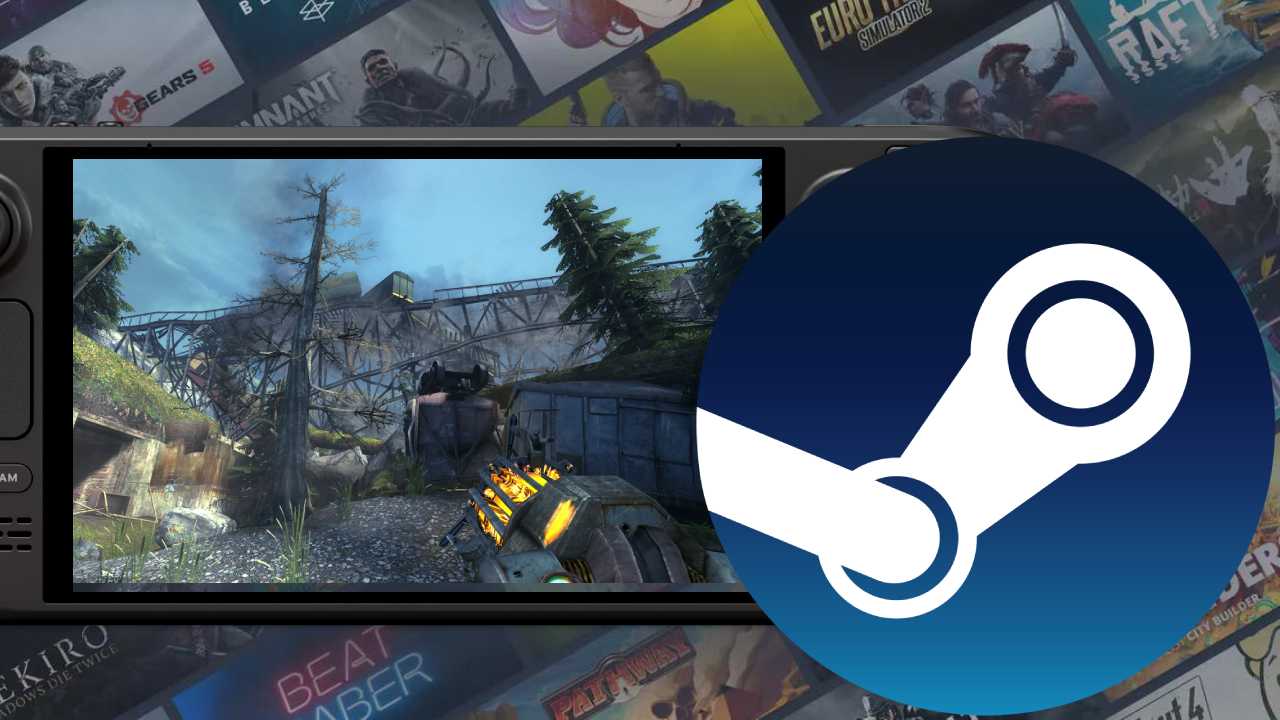
Valve’s Steam Deck is a fantastic machine, and that’s largely helped by Valve’s own determination to make Steam the optimal place to play games. Nevertheless, the system does have its own quirks, and every SteamOS update stamps out some of the system’s annoying quibbles.
For example, Valve’s latest stable Steam Deck update has made some sweeping improvements to the portable’s controller support, adding support for new controllers and offering refined options for older pads. While many players don’t even use external controllers on the Deck–it is a portable system after all–docked users still make use of a myriad of different pads.
In the latest Steam Deck client update, Valve has enabled support for the Nintendo Switch 2 Pro Controller, a controller that can be quite fiddly to get working properly on Windows. The system also now supports the Razer Raiju V3 Pro. Additionally, Nacon PS4 Compact controllers no longer randomly disconnect.
One of the most important improvements, however, is the addition of a refined controller activation protocol. In prior SteamOS versions, the Steam Deck would only update input to recognise controllers after the first input. Now, as soon as a controller is connected, the input is shifted, which should eliminate some problems on older controller support titles that can get confused by shifting inputs.
Additionally, Valve has introduced a new “Smooth Fine Movements” option for Gyro controllers. As Valve explains, this option used to be forced on for older IMUs (a two-in-one accelerator and gyroscope) such as the DualShock 4. Valve recommends using this option for DualShock 4 clones and other gyro controllers with older IMUs with high resting signal noise, but it’s now defaulted to off for the official PlayStation pad.
Valve has also introduced new options for the Joystick Mode Stick Response Curve settings. Users now have access to a Response Axis Style option within the system’s controller settings, allowing you to choose between “Per Axis” or “Circular”. Additionally, Analog Trigger Output is made available in the Trigger Mode select screen instead of being nested in other menus.
All in all, the update continues Valve’s mantra for Steam Deck and the upcoming Steam Machine; it gives players even more options to use their devices as they like. Even though I barely ever connect controllers to my Steam Deck (I love a portable!) it’s nice to have the option to do so, and now the Deck is seemingly the best platform to use a Nintendo Switch 2 Pro Controller for PC games.
The entire purpose of the Steam Deck is to give users choice. You want to play your Steam library with any USB controller you have in your house? Sure, do it. You want to play them portably or on your TV? Sure, whatever. It’s also refreshing to have an operating system where updates actually improve things. Yeah, Windows, I’m talking about you.