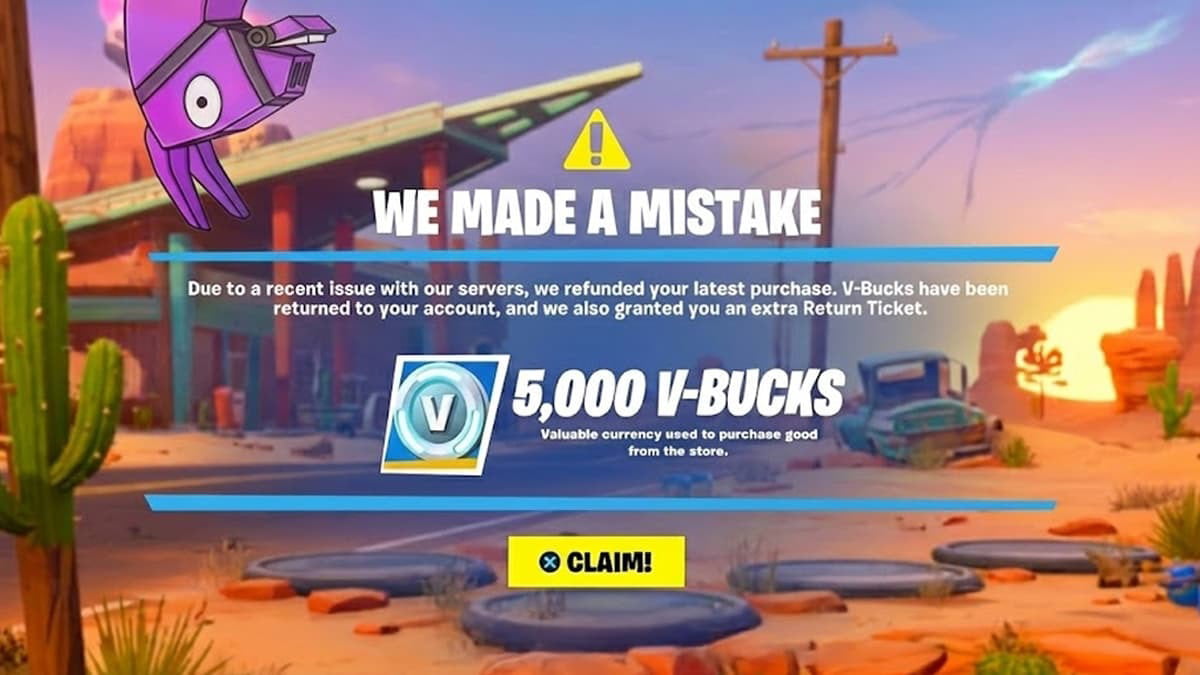
If you’ve ever accidentally bought an Emote, or instantly regretted a new Skin purchase, you know the panic. Getting a refund in Fortnite can feel complicated, but we’re here to make it simple!
Epic Games offers a few different ways to get your V-Bucks back, depending on how recently you made the purchase and what kind of item it is. Our step-by-step guide will walk you through every method, including the Return Ticket system, so you can make informed decisions and keep your V-Bucks safe.
How to Refund Skins, Emotes, and Other Items
In Fortnite, there are two primary systems for getting a refund on your in-game cosmetic items: the quick, no-ticket Cancel Purchase option, and the Return Ticket system for items you’ve held onto for a bit longer. In addition, there are Free Refunds that Epic issues from time to time, as well as refunds for real money purchases that go through a different system. Let’s break it down.
The “Cancel Purchase” Method

This is the easiest and best way to get a refund, as it does not use one of your valuable Return Tickets. It’s designed for those “Oops, I bought the wrong item!” moments.
- Eligibility: The purchase must have been made within the last 24 hours.
- Important Rule: You must not have equipped or used the item in a match. If you enter a game with the new item equipped, this option will disappear.
- How to Do It:
- Immediately navigate to the Item Shop screen in Fortnite.
- Find the item you just purchased (it should still be in the shop or accessible via the purchase screen).
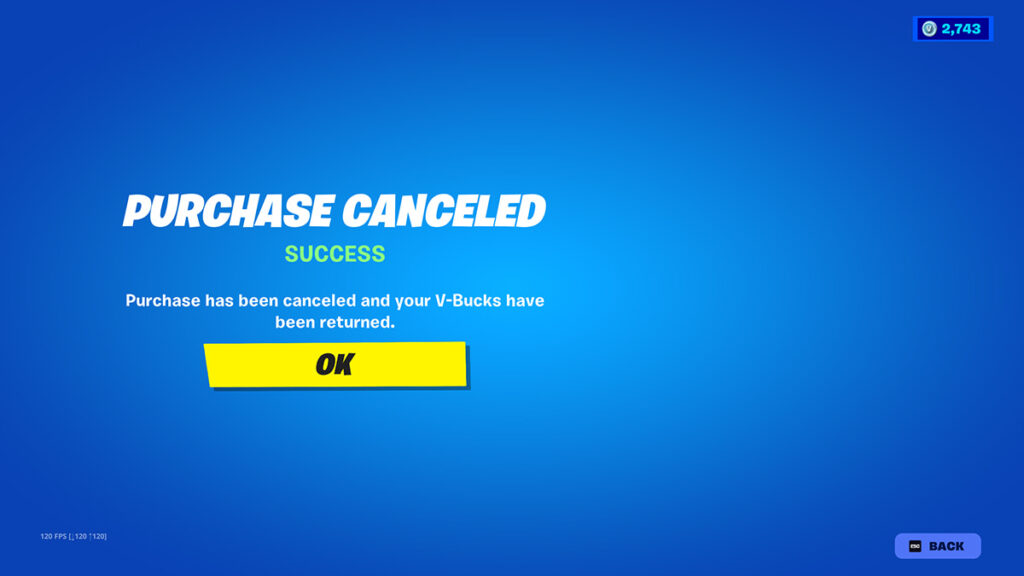
- You should see a prominent “Cancel Purchase” button. Select this option.
- The purchase will be reversed instantly, and your V-Bucks will be credited back to your account.
The “Return Ticket” Method
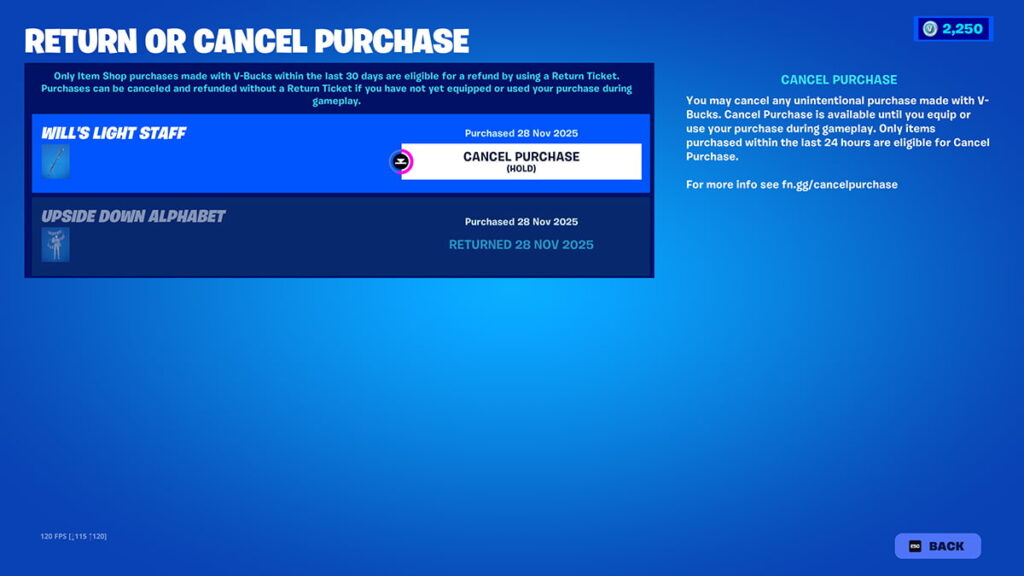
For items that you’ve held onto for longer than 24 hours, or if you accidentally used the item in a match, you’ll need to use one of your limited-use Return Tickets.
- Eligibility: The purchase must have been made within the last 30 days.
- Requirement: The item must be an eligible cosmetic (Skins, Emotes, Pickaxes, Gliders, etc.).
- How to Do It:
- Open the main Menu (usually the three-line icon or a button on your controller).
- Select the Settings icon.
- Go to the last tab on the right, named Account and Privacy.
- Find and select “Return or Cancel Purchase” (or “Submit a Request”).
- You will see a list of eligible items you’ve purchased in the last 30 days.
- Select the item you wish to refund, choose your reason from the list, and click “Use Return Ticket.”
How to Get “Refund Tickets” (Return Tickets)
Refund Tickets, officially called Return Tickets, are your most precious refund resource in Fortnite, because they allow you to reverse purchases you’ve already used or held for several days.
How Many Tickets Do You Get?
Every Fortnite account is initially granted three Return Tickets for its lifetime.
How Can You Get More Return Tickets?
- When your total ticket count is less than three, you will receive one replacement Return Ticket every 365 days from the day you last used one.
- The system is designed so that you can only ever have a maximum of three tickets in your account at any given time.
- Important: Use them wisely! You don’t want to waste them on minor regrets when you might need one for a major mistake later.
What Are Free Refunds?
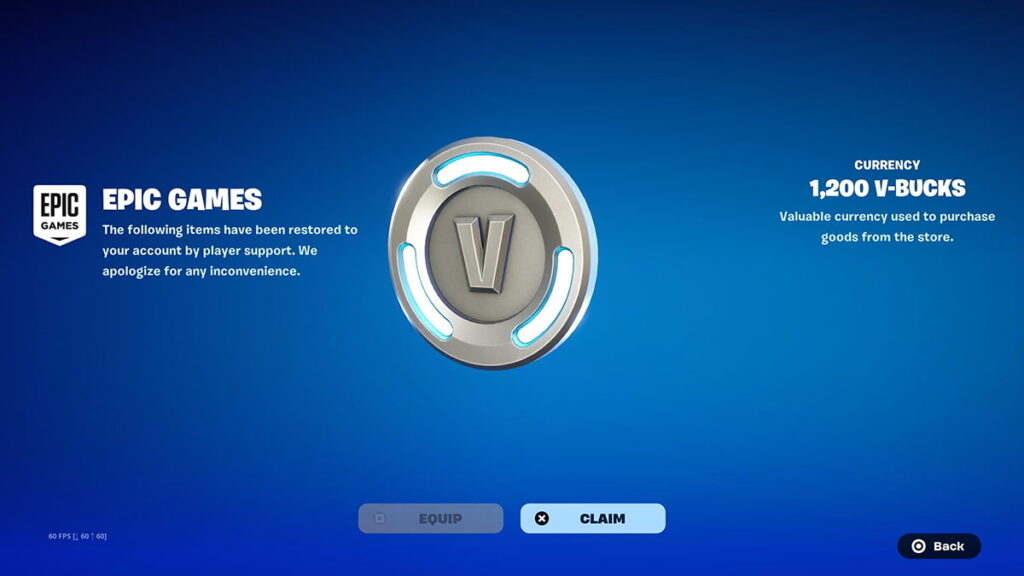
Some items can bring a few issues along with them. Therefore, Epic Games sometimes offers players to refund those items for free and without using their precious Tickets. Most often, this happens when some cosmetics are changed or tweaked in some way. Sometimes, these refunds will happen automatically, returning V-Bucks straight to your account with an in-game note.
What Can’t Be Refunded in Fortnite?
While most Item Shop cosmetics are eligible, some purchases are strictly non-refundable. Knowing these upfront can save you a lot of time and frustration!
- Consumable Items: This is the biggest category. It includes:
- The Battle Pass (or Battle Pass Tiers).
- Level Up Quest Packs.
- Loot Llamas (in Save the World).
- V-Bucks (once you have purchased the V-Bucks currency itself).
- Gifts: Any item you receive as a gift from another player cannot be refunded.
- Real Money Purchases (for example, the Crew Pack): For purchases made with actual money (not V-Bucks) like the Fortnite Crew Subscription, you usually need to go through the platform where you bought it (such as PlayStation Store, Xbox, Nintendo eShop, or Epic Games Support).
Fortnite Refunds Frequently Asked Questions (FAQ)
Can I refund a gifted item?
No, gifts received from other players are not eligible for any kind of refund.
Will I get real money back for my refund?
No, refunds for Item Shop purchases made with V-Bucks will always be returned to you in the form of V-Bucks. If you purchased V-Bucks with real money and the purchase was unauthorized, you would need to contact Epic Games Support directly, but the in-game refund system is for V-Bucks only.
What if I have 0 Return Tickets left?
You will only be able to refund items using the 24-hour “Cancel Purchase” method. You will have to wait for your next ticket to replenish, which happens 365 days after your last ticket was used.
What is the official name for a “Refund Ticket”?
Epic Games officially calls them Return Tickets.
Getting a Fortnite refund doesn’t have to be a headache. When you know the difference between the 24-Hour Cancel (i.e. no ticket needed) and the 30-Day Return Ticket system, you can easily manage your V-Buck balance. Remember to save those three precious Return Tickets for when you really need them, and always try the 24-hour cancellation first for any accidental clicks!
Check out our guides to help you set up the best graphics settings in Fortnite, and the best controller settings as well.