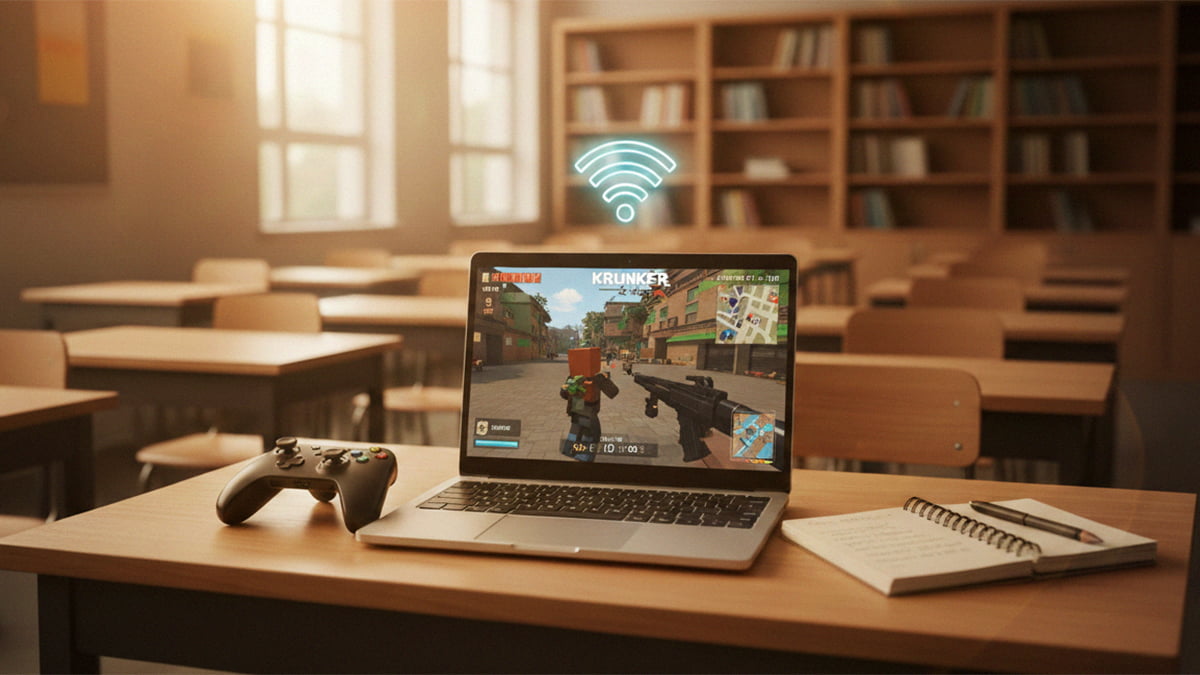
School Chromebooks have come a long way from the glorified web browsers of the past. By 2026, improved processors and high-speed Wi-Fi have turned these educational tools into surprisingly capable gaming machines. However, dealing with school firewalls and hardware limitations still requires a solid game plan. Our guide will walk you through every viable method to turn your workstation into a gaming station during your downtime.
1. Cloud Gaming and the “No-Install” Route
Cloud gaming is easily the best way to play AAA titles on a school device. Since the game runs on a powerful remote server, your Chromebook essentially acts as a high-speed monitor. In 2026, the big advantage is the GeForce NOW Fast Pass – a tier specifically designed to give Chromebook users instant access to over 2000 games from Steam and Epic without the long queues.
- GeForce NOW: Still the gold standard. It runs in a browser tab, making it harder for basic filters to flag.
- Xbox Cloud Gaming: Perfect if you have the Game Pass subscription. It brings console-quality Halo or Forza to your browser.
- Now.gg: A specialized mobile cloud service that lets you play titles like Roblox or Minecraft directly in the browser if those apps are otherwise blocked.
Pros: You can play high-end games without needing a dedicated GPU. No bulky software is installed, so your local storage stays clean.
Cons: You are entirely dependent on a stable internet connection. If the school Wi-Fi is spotty, you’ll experience significant lag.
2. Android Apps and Using the Play Store
Most 2026 Chromebooks feature full Google Play Store integration, as Google has moved to combine the Android and ChromeOS experiences more closely. If your IT department hasn’t locked this down, you have access to a massive library of mobile-native games that often run better than browser versions.
- Check Access: Go to Settings > Apps to see if the Play Store is toggled on.
- Optimized Titles: Look for Genshin Impact, Among Us, Honkai Star Rail, and other similar titles, which now feature native mouse and keyboard mapping.
- Offline Play: This is, in most cases, the only reliable way to play games when the Wi-Fi is down.
Pros: Best for offline play and usually features smoother input than a browser.
Cons: Performance depends on your Chromebook’s RAM. Some schools proactively disable the Play Store through administrative policy.
3. Browser-Based Gaming
When cloud services and the Play Store are restricted, the browser is your last line of defense. By 2026, “unblocked” proxy sites have become highly sophisticated, often disguising gaming traffic as standard web browsing.
- IO Games: Titles like Krunker.io or Venge.io offer fast-paced FPS action without a single download.
- “Educational” Games: Sites like Coolmath Games or Chess.com are rarely blocked because they are categorized as learning tools.
- Google Search Games: Type “Snake”, “Solitaire”, or “Pac-Man” directly into the Google search bar for instant, unblockable fun.
Pros: Zero installation required and very likely to bypass filters. Easy to close quickly if a teacher walks by.
Cons: Graphics are generally lower quality, and many “unblocked” sites are cluttered with intrusive ads.
4. Linux (Crostini) for the Power Users
While Google ended the official Steam Beta for ChromeOS in early 2026, the Linux Development Environment (Crostini) remains available. This allows tech-savvy students to install the Linux version of Steam manually.
- Setup: Enable Linux in Settings > Developers.
- Installation: Use the terminal to install .deb files or use Flathub to find Linux-compatible indie games.
Pros: You get access to “real” PC software and native versions of games like Minecraft: Java Edition.
Cons: It’s fairly technical to set up, heavy on the battery, and requires the most storage space.
Frequently Asked Questions
Is it safe to play games on a school Chromebook?
Generally, yes. Stick to official stores like the Play Store or reputable cloud services. Avoid sketchy “unblocked game” sites that look like they’re from two decades ago – they often host malicious ads or tracking scripts.
Will my teacher know if I’m gaming?
Most schools use software like GoGuardian or Securly. These tools let teachers see your screen or a list of your open tabs in real-time. Our advice? Stick to gaming during lunch or approved breaks!
Can I play Steam games now that the Beta is over?
Yes, but not through the simplified ChromeOS installer. You’ll need to use the Linux Development Environment to install the Linux version of Steam, or use GeForce NOW to stream your Steam library through the cloud.
Why is my Chromebook lagging?
Chromebooks aren’t built for heavy lifting. If you’re experiencing lag, try closing all other tabs, lowering the in-game graphics settings, or switching to a cloud gaming service where a remote server does the work.