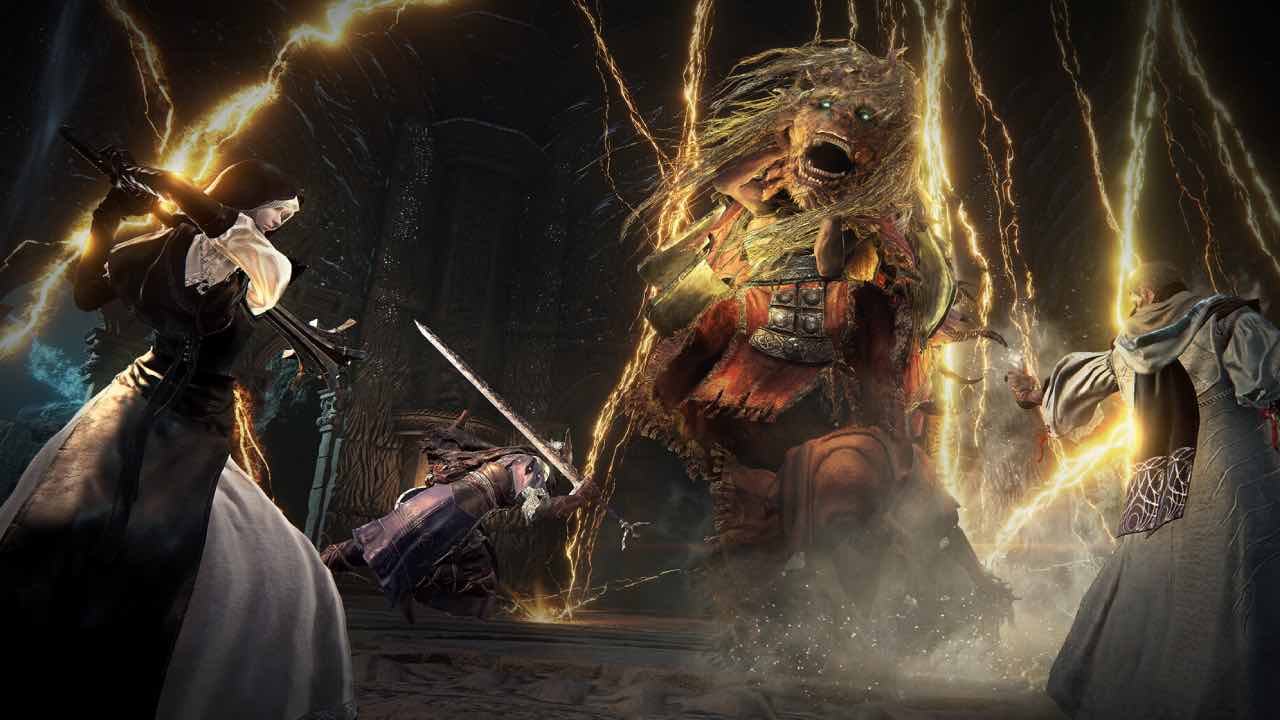
FromSoftware’s new Elden Ring Nightreign DLC The Forsaken Hollows offers a tonne of new content for players to sink their teeth into. However, players can’t just jump into the new DLC’s content right off the back.
Alongside being a harder experience than the base game, the new Nightreign DLC task players with unlocking its new content instead of just handing it to players.
Prior to launch, Bandai Namco has revealed the requirements for accessing the new Nightreign DLC. So, if you’re wondering how to unlock The Forsaken Hollows in Elden Ring Nightreign, you’ve come to the right place.
Unlocking The Forsaken Hollows DLC is actually split into two parts: Nightfarers and Bosses. At the time of writing, players need to fulfill a number of requirements to unlock all of the DLCs content, and they can be a little tricky.
How to unlock Nightfarers in Elden Ring Nightreign DLC
Elden Ring Nightreign: The Forsaken Hollows comes with two new Nightfarers: Scholar and Undertaker.
To unlock both Scholar and Undertaker in The Forsaken Hollows DLC, you’ll need to defeat Tricephalos.
Once you’ve defeated the Tricephalos, follow these steps to unlock the new DLC characters:
- Return to Roundtable Hold
- Find the Iron Menial
- Listen to the message from the Small Jar Merchant
After following these steps, you should have access to both of the game’s new classes for both the DLC areas and the main game.
How to unlock The Forsaken Hollows bosses in Elden Ring Nightreign
Alongside having the unlock the additional Nightfarers in the DLC, The Forsaken Hollows also tasks you with unlocking its new, more powerful bosses.
Unlocking the new bosses requires you to have also unlocked both of the game’s new Nightfarer’s, so do that first before this step.
To unlock the DLC’s new bosses, follow these steps:
- Unlock both Undertaker and Scholar Nightfarers
- Defeat at least two bosses from the main game
- Head to the Chapel that has now opened behind the Small Jar Merchant
- You should now be able to access the Shifting Earth event ‘The Great Hollows’ as well as the expedition for the Balancers.
Fix Elden Ring Nightreign DLC not appearing
Of course, to access the Elden Ring DLC, you have to ensure that the DLC is activated on your platform of choice. While The Forsaken Hollows should simply work as intended, there are steps to remedy the DLC if it isn’t showing up in-game.
If the DLC has been purchased through a pre-order or the base game’s Deluxe Edition, you will have to manually download The Forsaken Hollows. To do so, simply follow these instructions for your platform of choice.
PlayStation 4/PlayStation 5
If the Elden Ring Nightreign DLC isn’t showing up on PS4/PS5, follow these steps:
- Go to Elden Ring Nightreign on your system
- Scroll down on the Game Card
- Go to Add-Ons
- Download The Forsaken Hollows Add-On
Xbox One/Xbox Series
If the Elden Ring Nightreign DLC isn’t showing up on your Xbox One, Xbox Series X, or Xbox Series S, follow these steps:
- Find Elden Ring Nightreign in your game library and press the Menu button
- Select Manage Games & Add-Ons
- In Add-Ons, tick The Forsaken Hollows
- Press Save Changes
- The DLC should now install
Steam
On Steam, The Forsaken Hollows should automatically install. However, if it doesn’t, follow these steps:
- Right-click Elden Ring Nightreign in your library
- Click on Properties
- In this menu, go to DLC and tick The Forsaken Hollows
- Additionally, you can download the DLC from its store page
Elden Ring Nightreign is the first DLC for FromSoftware’s multiplayer spin-off. While no additional DLC has been confirmed at the time of writing, there’s a lot of space for even more content in the future.