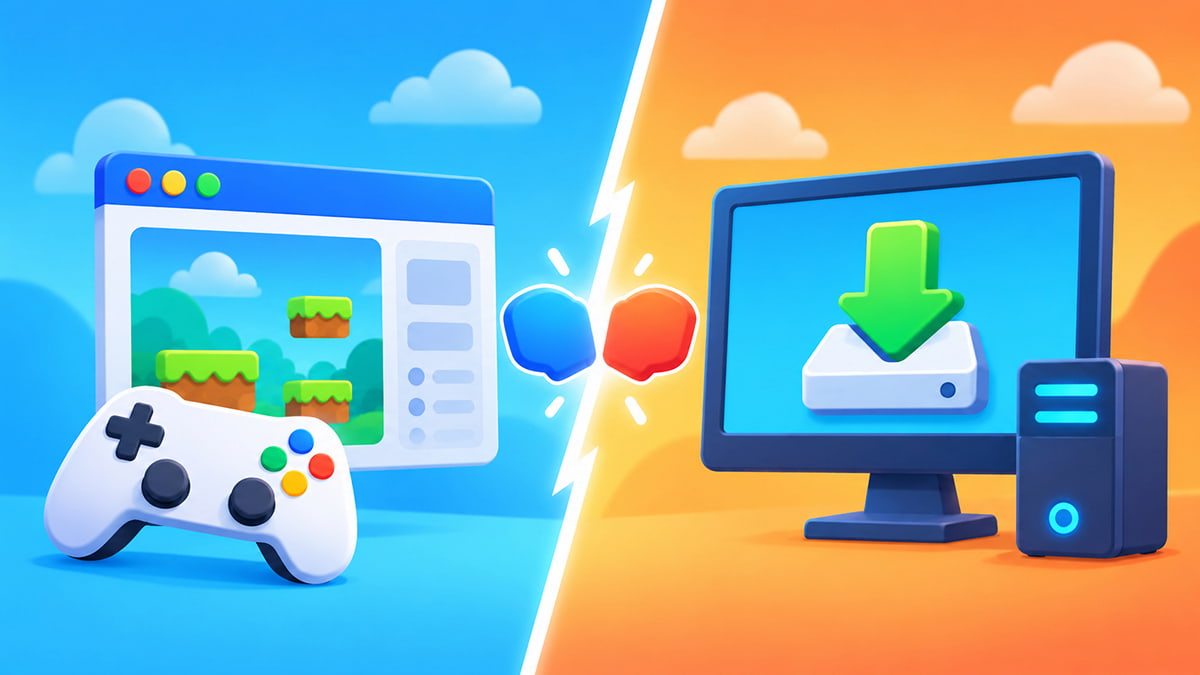
Let’s say you want to play a game. Do you open it in your browser or download and install it first? Both approaches can lead to great games, but the experience surrounding them is quite different. Here’s how browser games and downloadable games compare with each other.
What is a browser game?
A browser game runs through a web browser such as Chrome, Safari, Edge, Firefox, or others. In short, you visit the game’s webpage, let it load, and then start playing. Modern browser technologies can handle graphics, sound, controls, storage, and even multiplayer networking, allowing surprisingly capable games to run through the web.
What is a downloadable game?
A downloadable game is installed on your device before you play it. That might mean downloading a PC game through a digital store or launcher, installing a game from an app store on mobile, or downloading the files directly from a developer. Once installed, the game runs as its own application rather than inside a regular browser tab.
Browser games vs downloaded games
| Feature | Browser games | Downloadable games |
|---|---|---|
| Installation | Usually none | Required |
| Start playing | Often very quick | Download/setup needed first |
| Storage | Usually lighter locally | Can require significant space |
| Updates | Often handled automatically online | Updates may need downloading |
| Device switching | Often easy | Depends on platform |
| Offline play | Depends on game | More commonly supported |
| Performance potential | Varies by browser/device | Can use installed/native environment directly |
| Sharing | Often as simple as sending a link | Usually requires recipient to install the game |
Browser games are built around convenience
The main attraction of browser gaming is how little friction there can be between finding a game and actually playing it. There’s no installation needed, and no launcher to configure. Even better, there’s no waiting for a huge application to finish downloading before seeing whether you even like it. That makes browser games particularly handy for quick sessions, casual play, and discovering something new.
Downloaded games can make more sense for expansive experiences
Installing a game gives developers different options for how deeply the software can work with players’ devices. That can be valuable for games with large amounts of content, heavy graphical demands, extensive offline features, and more.
Downloaded games can also keep many of their assets permanently on your device, rather than retrieving them through the web. The trade-off is obvious: you need the storage space and have to install the game first.
Are browser games worse for graphics?
Not necessarily. Modern browser technology can use hardware-accelerated graphics through WebGL, including 2D and 3D rendering.
That said, browser games still operate inside a web environment. A large native game designed specifically around powerful PC or console hardware can naturally have very different performance and storage expectations.
The best comparison isn’t that browser games look bad and downloaded games look good, but that it’s simply that the two formats have different advantages.
Do browser games update automatically?
From a player’s perspective, usually yes. Because the game is hosted online, developers can update the version you access on the website rather than asking every player to manually install a new copy or download a patch. That makes it much easier to return to a game after a while without immediately facing a long update before you can play.
Which should you choose?
That’s a broad question, but in a nutshell, choose the format that suits the game and the situation. If you want something quick, accessible, and easy to open across different devices, browser games make a lot of sense. If you’re gearing up for a huge game you plan to play for dozens or hundreds of hours, installing it may be completely reasonable. And, it should be said, there’s nothing stopping you from doing both.
FAQ:
Browser games can be played on a PC, but a “PC game” usually describes the gaming platform, rather than whether the game runs in a browser or not. A game can therefore be both a PC game and a browser game.
It depends on the individual games and hardware. Native installed games can have performance advantages, but modern browsers can also use hardware-accelerated graphics.
They can use browser cache and local storage, but they normally don’t require the same traditional installation process as downloaded games.
Many can. You usually only need to open the webpage and wait for the necessary game files to load.