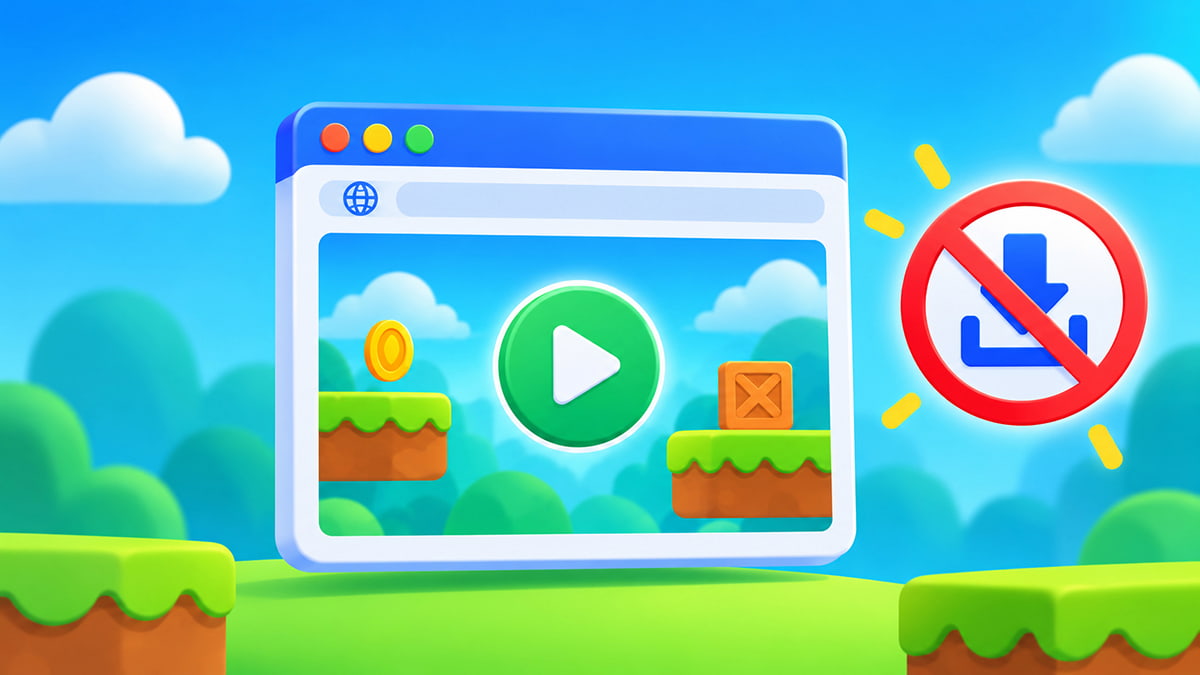
Let’s be real, sometimes you just want to play a game. You don’t want an installer, a launcher, a giant update, or another icon cluttering up your desktop. You want to click something and start playing right away. That’s exactly what browser games are good at. We’ll explain how you can easily and conveniently play no-download browser games.
Can you really play games without downloading them?
Yes! Many games can be played directly through a modern web browser without installing a separate game or app. You simply visit the game’s webpage and let the browser load what it needs. You can even play games like Fortnite from your browser.
There is an important distinction, though: “no download” doesn’t mean your device receives no data at all. Every website has to load files for you to see and use it. Browser games work the same way. The difference is that there is normally no separate installation process. The browser handles the game for you.
How to play games without downloading anything
Getting started is simple:
- Open an up-to-date browser such as Chrome, Safari, Edge, or Firefox.
- Visit a trusted browser-game website.
- Choose the game you want to play.
- Give it a moment to load.
- Start playing.
That’s it!
For many games, there is no launcher to install and no setup wizard to work through. If you’re playing on FRVR, you can simply browse the available games, choose one, and start playing through your browser.
What do browser games need to work?
Most modern browser games need three basic things: a reasonably current (and often updated) browser, an internet connection while the game loads, and a device capable of running the game. Beyond that, different games may have different demands.
A simple Solitaire game can run comfortably on hardware that might struggle with a complex 3D browser title. Likewise, some games are designed around a mouse and keyboard, while others are built to work equally well with a touchscreen.
No-download games vs installed games
| Browser game | Installed game | |
|---|---|---|
| Separate installation | Usually no | Yes |
| Launches from browser | Yes | Usually no |
| Local storage use | Usually low | Often high |
| Updates | Usually handled online | May require downloads |
| Easy to switch devices | Often | Depends on platform/account |
| Offline play | Sometimes, but not guaranteed | Often possible |
Neither format is better, they’re simply different and vary by situation. If you want immediate access and don’t want to install another application, browser gaming is hard to beat for convenience.
Can you play no-download games on a phone?
Yes. Many modern browser games are designed for mobile browsers as well as desktop computers. Open your usual browser, go to the game and tap to start.
Touch-friendly games tend to work best for mobile gaming, especially if their interface automatically adjusts to smaller screens. For more detail, see our guide to playing browser games on mobile.
Do browser games take up storage space?
Browser games can use some temporary or persistent browser storage. For example, browsers may cache files so that websites and games load more efficiently, and games can use browser storage to keep settings or progress.
That is still different from installing a full game application in the usual sense. Modern browsers provide storage technologies such as IndexedDB that web games can use to keep game information locally.
Why won’t a no-download game start?
If the page opens but the game doesn’t, try refreshing it first. Still stuck? Check your internet connection, make sure the browser is updated, and also check if an aggressive content blocker or extension is interfering with the page.
If several browser games are slow or freezing, the problem may be your browser, connection or available system resources rather than the individual game. We’ve covered those problems in more detail in our browser-games troubleshooting guide.
Ready to play?
The easiest way to understand no-download gaming is simply to try it. Open FRVR, choose something that looks fun and start playing. No need to hunt through an app store first or deal with installers. Just pick a game and get going.
FAQ:
The browser still receives the game’s web files so it can run them. “No download” generally means you don’t have to manually download and install a separate application.
Not always. Some games can be played immediately, while others may use an account for features such as saving progress, social features, or purchases.
Some web applications can support offline features, but not every browser game will. Most are designed around an active connection.
They can be, provided you use reputable websites and sensible browsing habits. Avoid suspicious download prompts, unexpected software installers, and websites asking for unnecessary or extensive permissions.