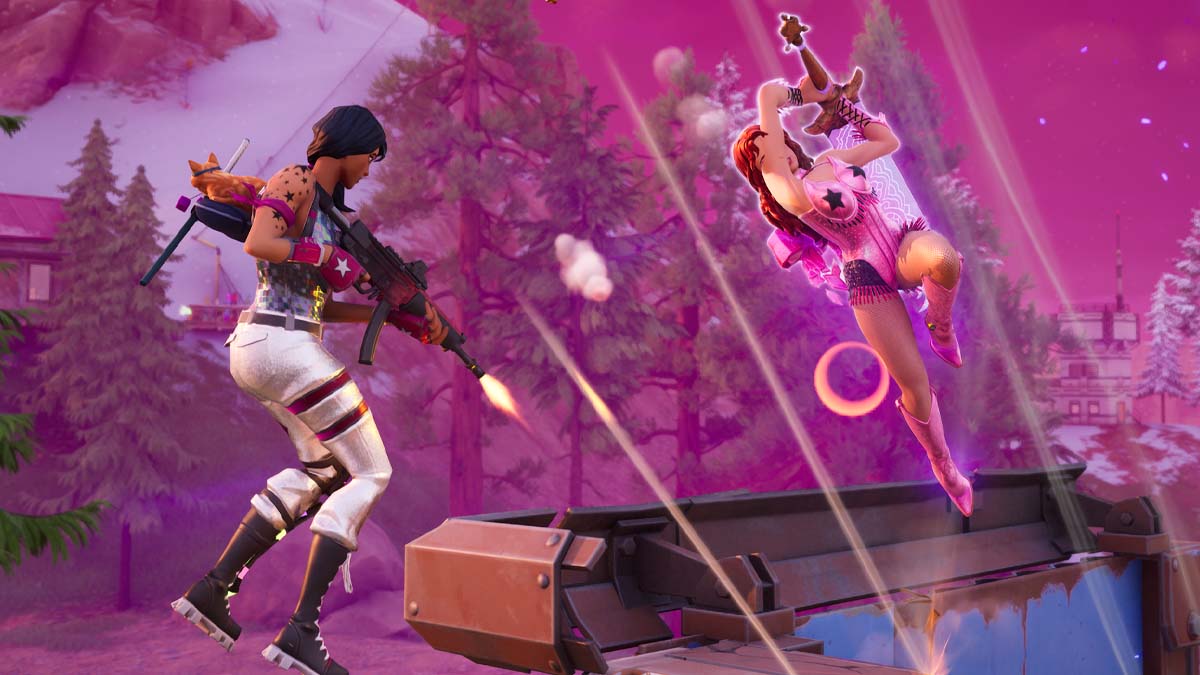
Fortnite released a new update on Thursday, February 5, adding new content and several smaller changes. Once the update went live, many players struggled to find the Zero Build mode, believing that Fortnite removed it. Fortunately, this is not the case, as the game mode is still available.
If you cannot find Zero Build in Fortnite, do not worry, as this guide explains where to find it.
How to find the Zero Build mode in Fortnite?
To make the Discovery menu less cluttered, Epic Games combined a couple of core game modes into one with the latest Fortnite update. Now, whether you want to play Battle Royale or Zero Build, you will select the same game mode. This also goes for Ranked and Unraked modes, which are now all found under Battle Royale.
This change simplifies game mode selection, and it also makes sense, considering that all of these are battle royale modes, but with slightly different twists. As Epic continues tweaking the Discovery menu, expect more small changes like this in future updates.
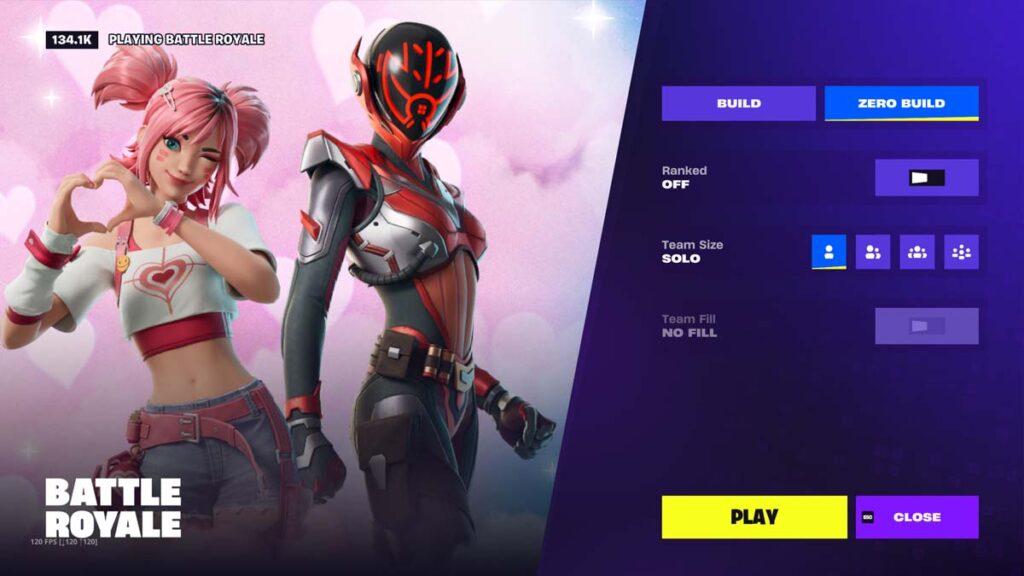
To find the Zero Build mode in Fortnite, open the Discovery menu and select Battle Royale. From there, choose Zero Build from the right-hand menu. In this menu, you can also select the Ranked mode, team size, and fill preference.
Once you select your preferred mode, press the Play button and queue up for the match. If you play Zero Build frequently, the game mode will be automatically selected next time you choose the Battle Royale mode, making the queueing process easier.
Before jumping into your next match, make sure to unlock all the free skins in Fortnite, as some of them may expire soon. You can also use some of the best Fortnite XP maps to level up quickly and complete the current pass.